


Pointillist Ink Phone Wallpapers — 6-Piece Set
Pointillist Ink Phone Wallpapers — 6-Piece Set
6 PNG wallpapers · 3 ZIP downloads
Couldn't load pickup availability
Bring a little stillness to your screen.
Inspired by Chinese ink painting, this phone wallpaper set pairs pointillist textures with open space. Three color palettes — red, yellow, and blue-green — offer different ways to make the artwork part of your everyday screen.
Compare palettes, open space and screen fit in our guide to choosing a Chinese ink phone wallpaper.
What's included
- 6 phone wallpapers: 2 designs in each of 3 color palettes
- PNG format, 1766 × 3840 px
- 3 ZIP files: red, yellow, and blue-green
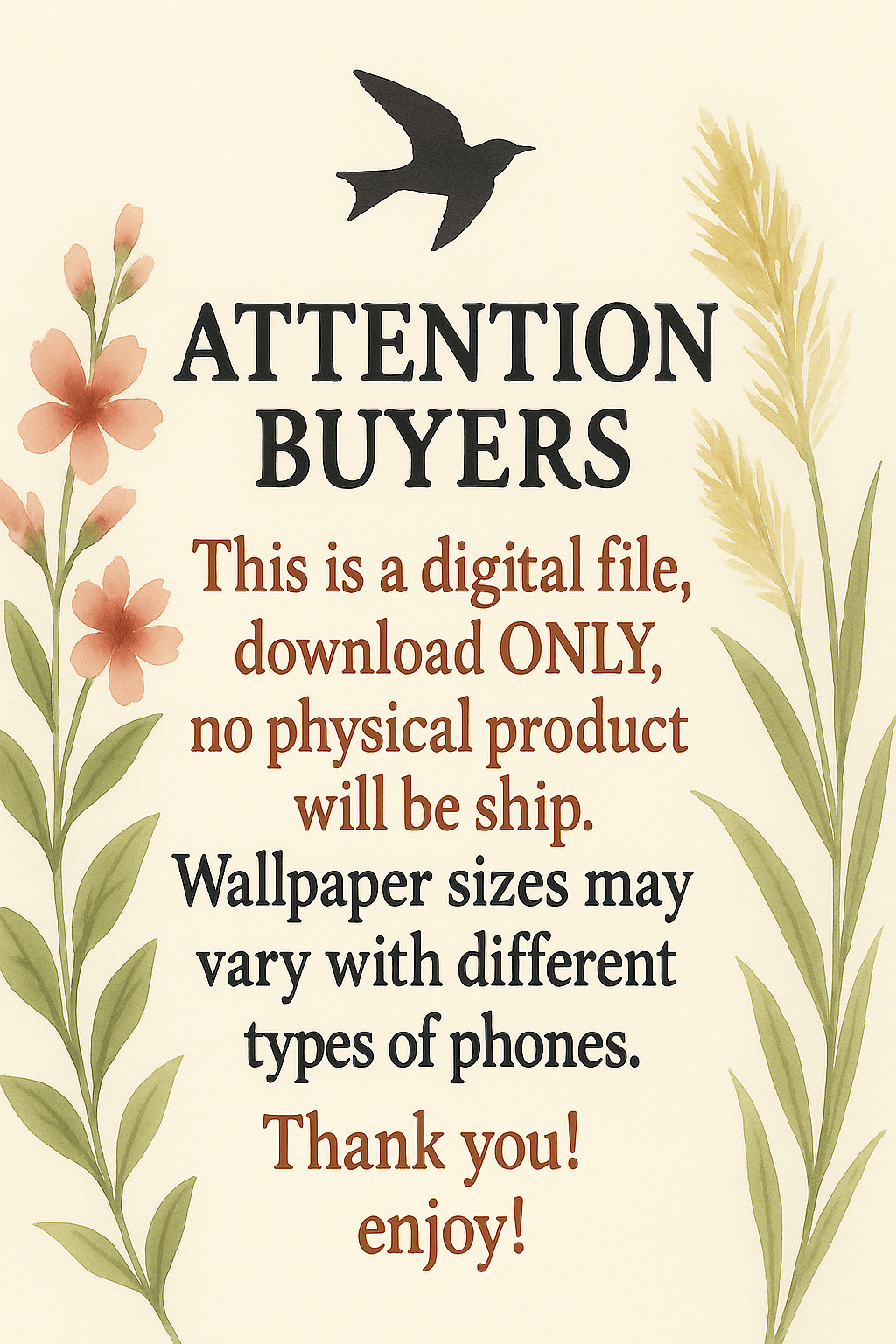
- Digital download; no physical item is shipped
How to use
Unzip the downloaded files, save your chosen PNG to your phone, and select it in your wallpaper settings. Position and crop the image to suit your screen; the final appearance may vary by device.
For step-by-step instructions, read our phone wallpaper setup guide for iPhone and Android.
Designed by hebo for DaonityStudio.
Personal use
Your purchase includes a non-exclusive license to use these wallpapers on your own personal devices. You may crop or resize them for that purpose. Copyright remains with the artist. You may not resell, redistribute, publicly share the original files, or use them commercially. For a commercial-use request, please contact DaonityStudio before using the artwork.
Download support
After successful payment, your download link is emailed to the address you enter at checkout. For download instructions, see Download Help. If a file cannot be used, we will first troubleshoot or provide a replacement. If we cannot resolve the issue and provide a usable file, we will refund the affected purchase. See our refund policy.


Before you choose
A few useful details
Is this a digital product?
Yes. This set contains downloadable phone wallpaper files. No physical item is shipped.
What is included?
Six PNG wallpapers, each 1766 × 3840 px, supplied in three ZIP files: red, yellow and blue-green.
How do I set a wallpaper on my phone?
Unzip the downloaded files, save your chosen PNG to your phone, and select it in your wallpaper settings. Position and crop the image to suit your screen; the final appearance may vary by device.